Local-first & private by design

Security isn't a feature.
It's the architecture.

Most automation tools ask you to trust their cloud with your keys and your data. FlowForge takes a different position: the safest place for your data is the machine you already own.

Encrypted credential vault

API keys, tokens, and passwords are encrypted at rest with the macOS Keychain (Apple's safeStorage). They're decrypted only in the app's main process, at the moment a step needs them — and never returned to the interface, exports, or logs.

Local execution, no middleman

Your workflows run inside the app on your Mac. There is no FlowForge server that sees your data, because there is no FlowForge server in the loop at all. The app keeps working with no internet connection.

Tamper-evident audit log

Every use of a credential is written to a hash-chained log. If any entry is altered, the chain breaks and verification fails — so you always have a trustworthy record of what accessed what.

Data-leak safety analyzer

The editor watches for a dangerous shape — untrusted input flowing into private data and then out to the internet — and warns you before you turn such a workflow on, suggesting an approval gate.

Guarded network requests

Outbound HTTP is protected against server-side request forgery: addresses are resolved and validated before connecting, redirects are re-checked, and cloud-metadata endpoints are always blocked.

You stay in control

Human-approval steps pause risky runs until you say go. Every workflow change is versioned, so you can roll back instantly. Nothing important happens without you.

The honest version

What actually leaves your Mac

We think you should know this precisely. FlowForge only reaches the network when a step you configured needs to — for example:

  • An email step connecting to your mail server.
  • An AI step you pointed at Claude — or nothing at all, if you use local Ollama.
  • An HTTP or connector step calling the exact service you specified.

That's it. No analytics on your workflows, no telemetry on your data, no account syncing in the background.
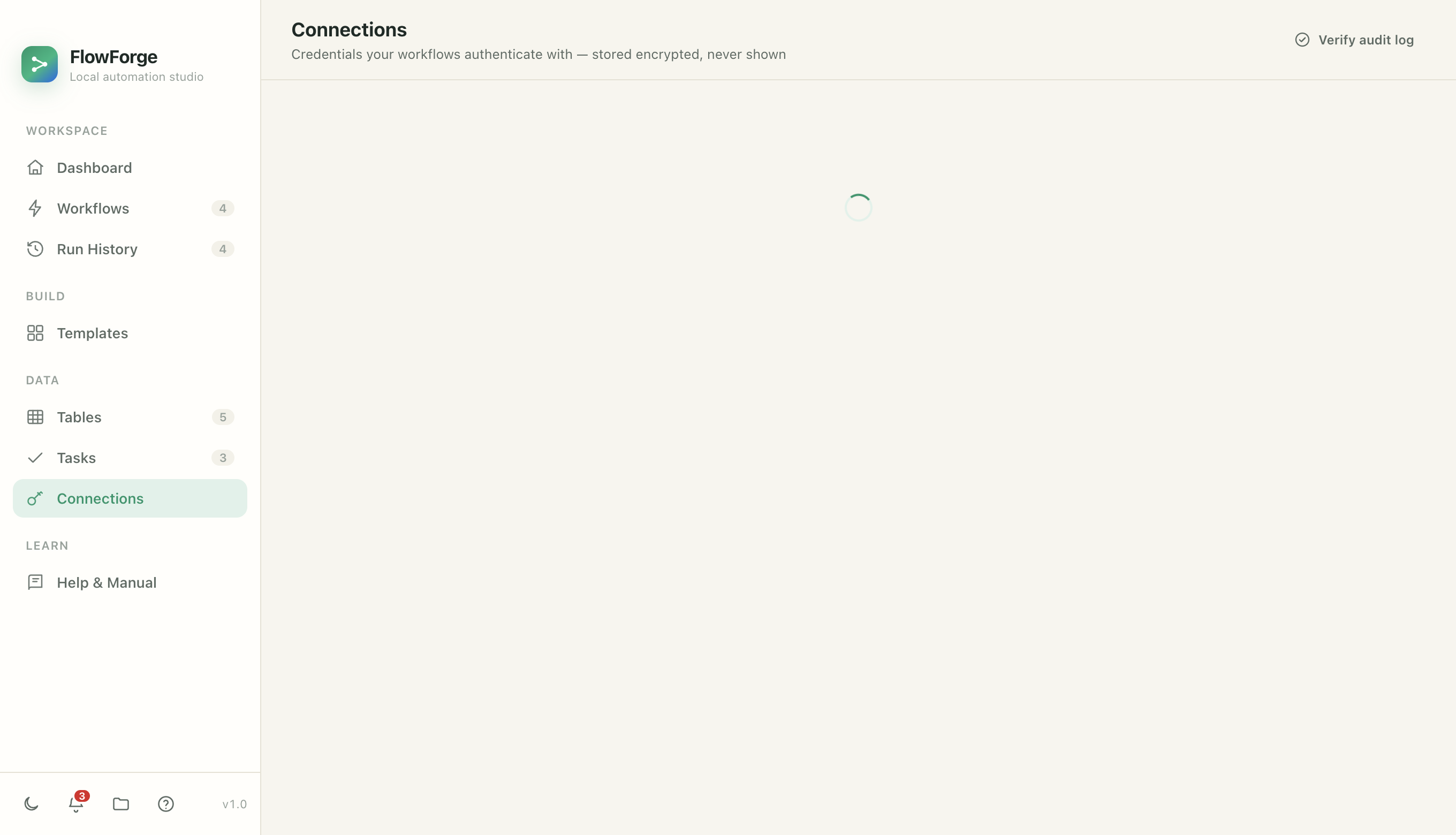
FlowForge — Connections
The connections screen where credentials are stored encrypted

Automation you don't have to hand over your keys for

Try FlowForge free for 14 days and keep your data where it belongs.